Find it again
Search locally by item name, URL, tag, or collection. Free filters also narrow results by item type, tag, collection, and favorites. Pro searches inside saved content too.
Save a link, build a learning list, or work through an idea. Your bookmarks, lists, writing, tasks, and reading share one private library.
Create your free libraryBookmarks
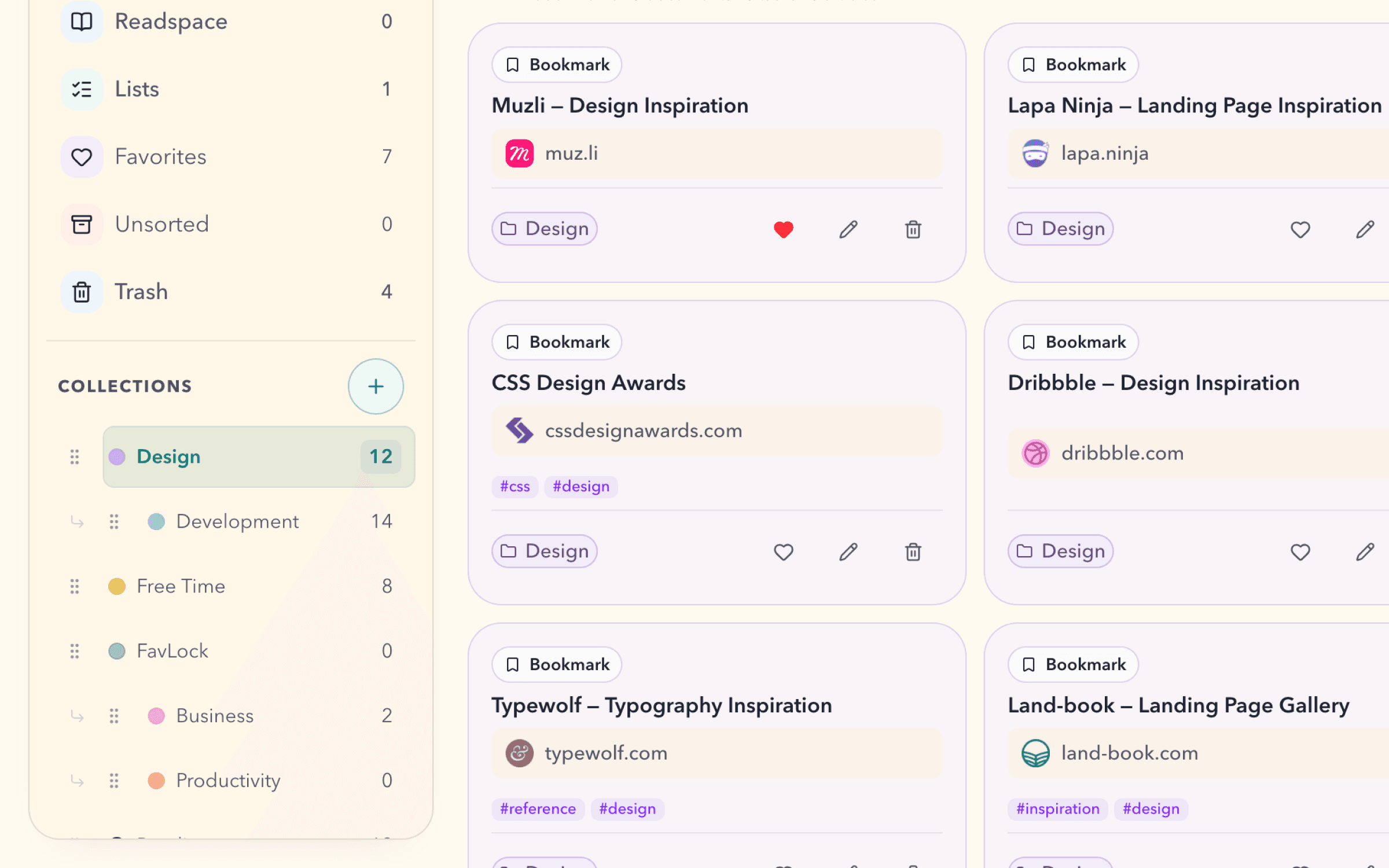
Recipes for later. References for a project. Places you want to visit. Keep them in collections that make sense to you.
Lists
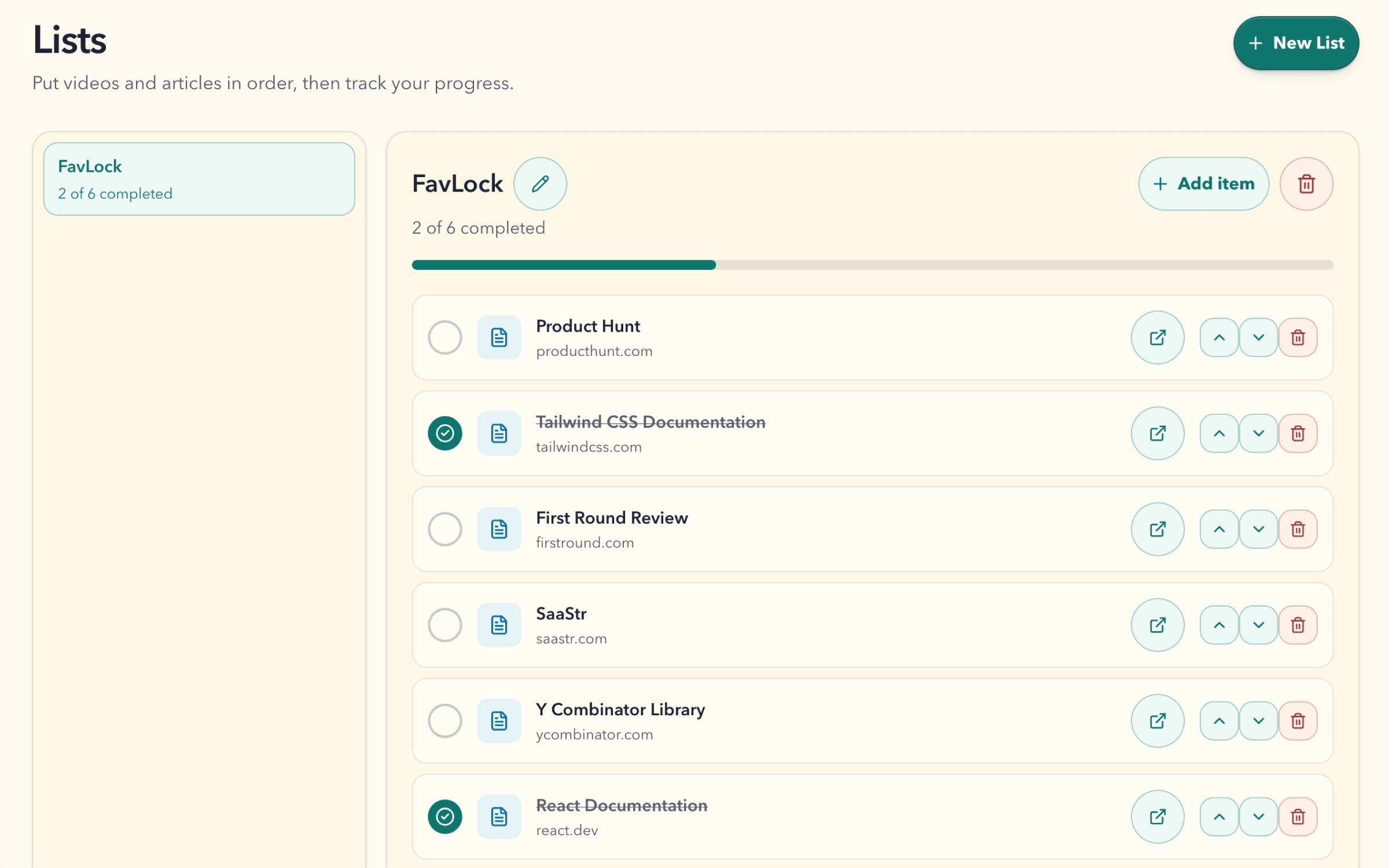
A few tutorials. An article you want to read next. Put your resources in order and see how far you have come.
Write
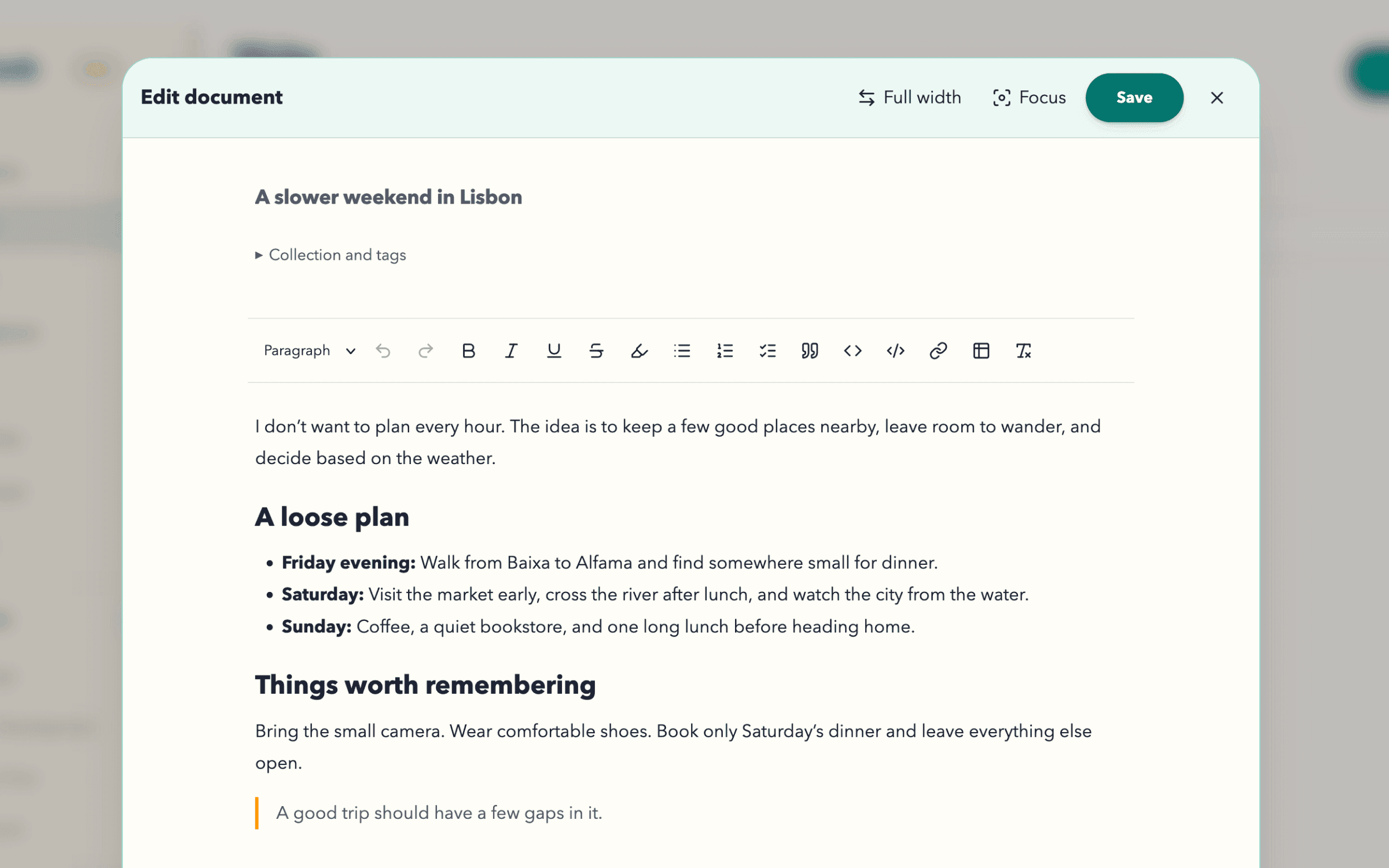
A saved page can spark a plan, a draft, or a few notes. Give those thoughts a home beside the material that inspired them.
Tasks
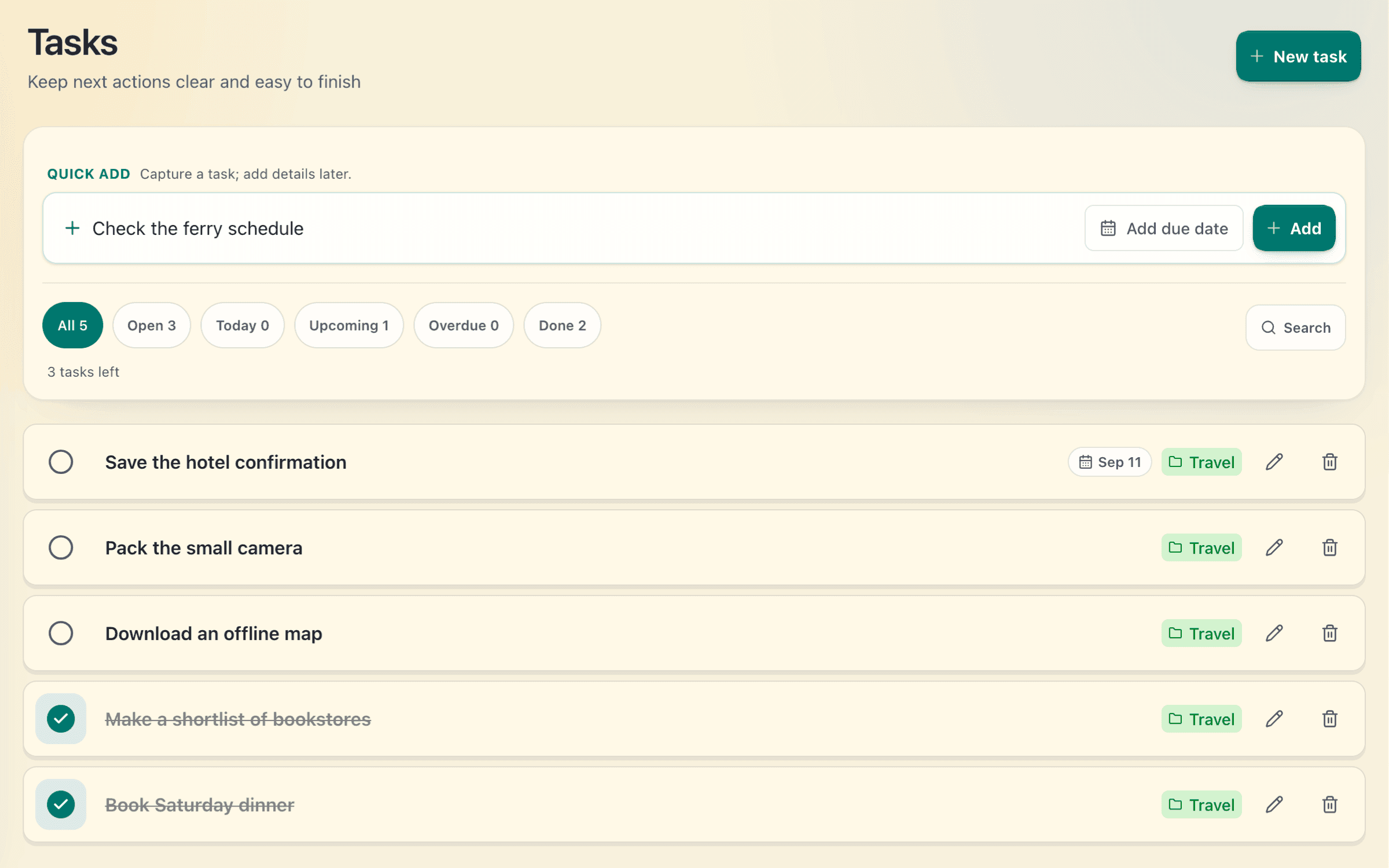
Book the table. Read the guide. Pack the camera. Keep small commitments close to the rest of your plans.
Readspace
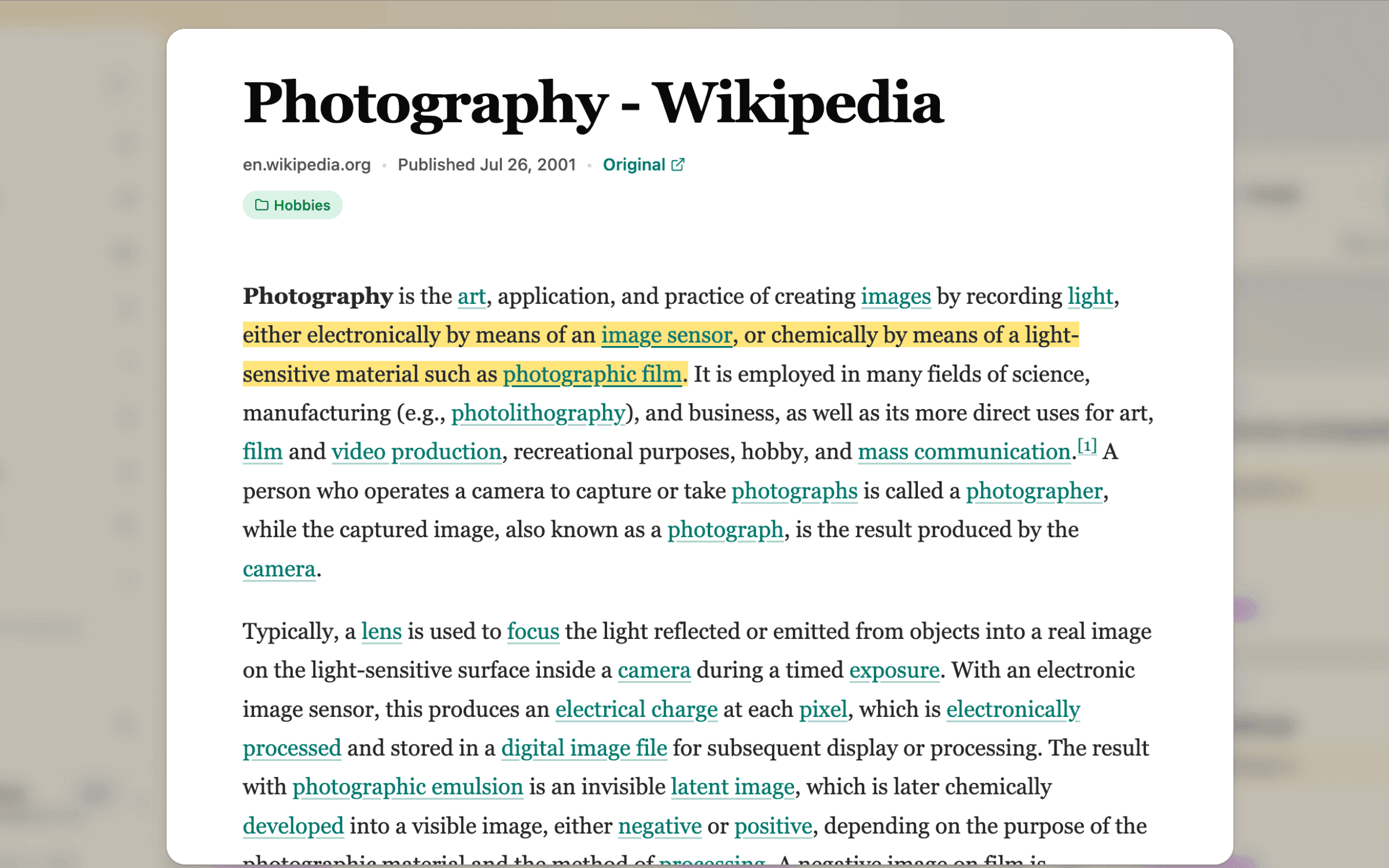
Some articles deserve more than a quick glance. Save a supported article with the Chrome or Firefox extension, then return when you have time.
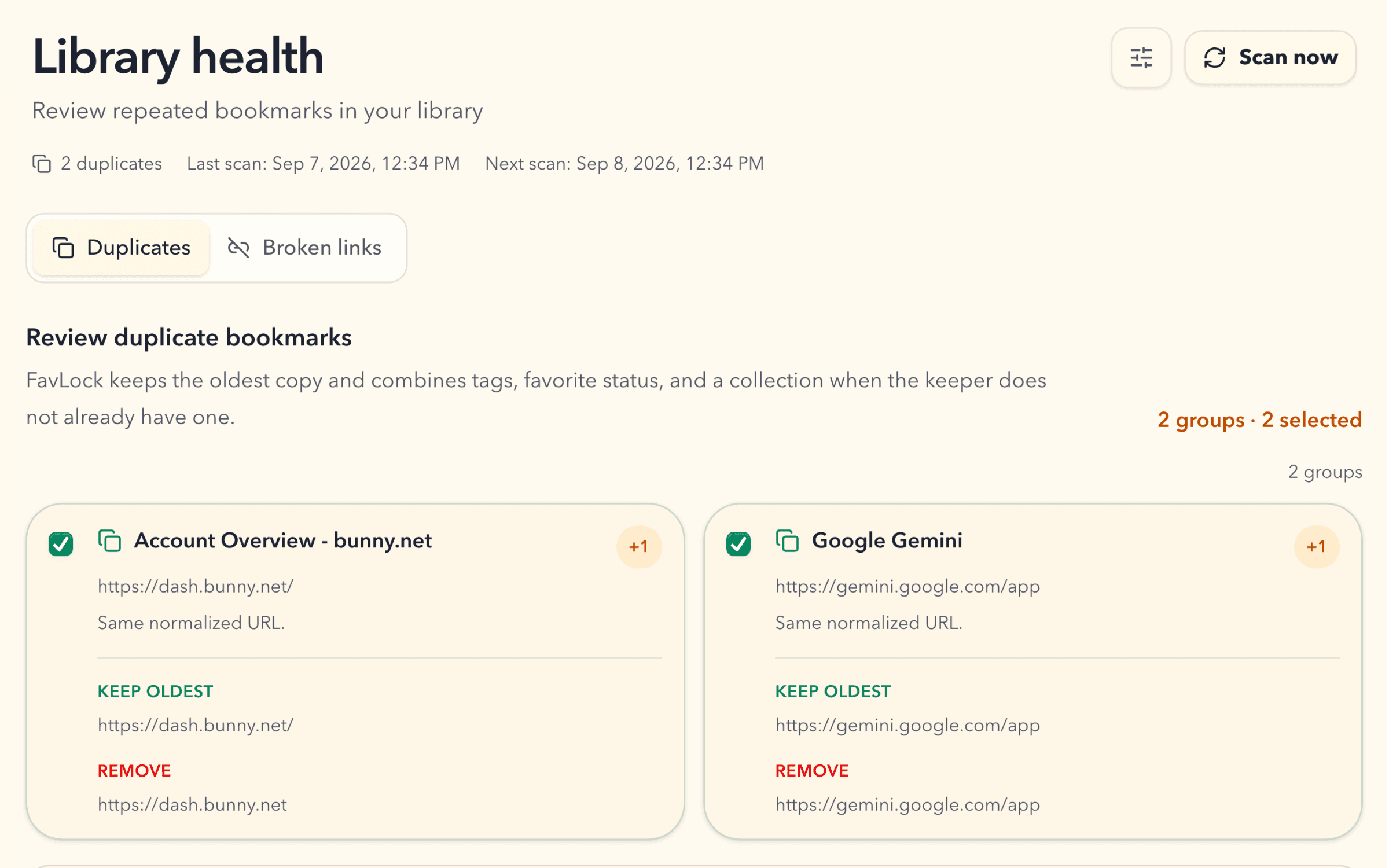
Duplicate MonitorPro
Review groups of matching links before cleanup. FavLock keeps the oldest copy and carries useful organization into it.
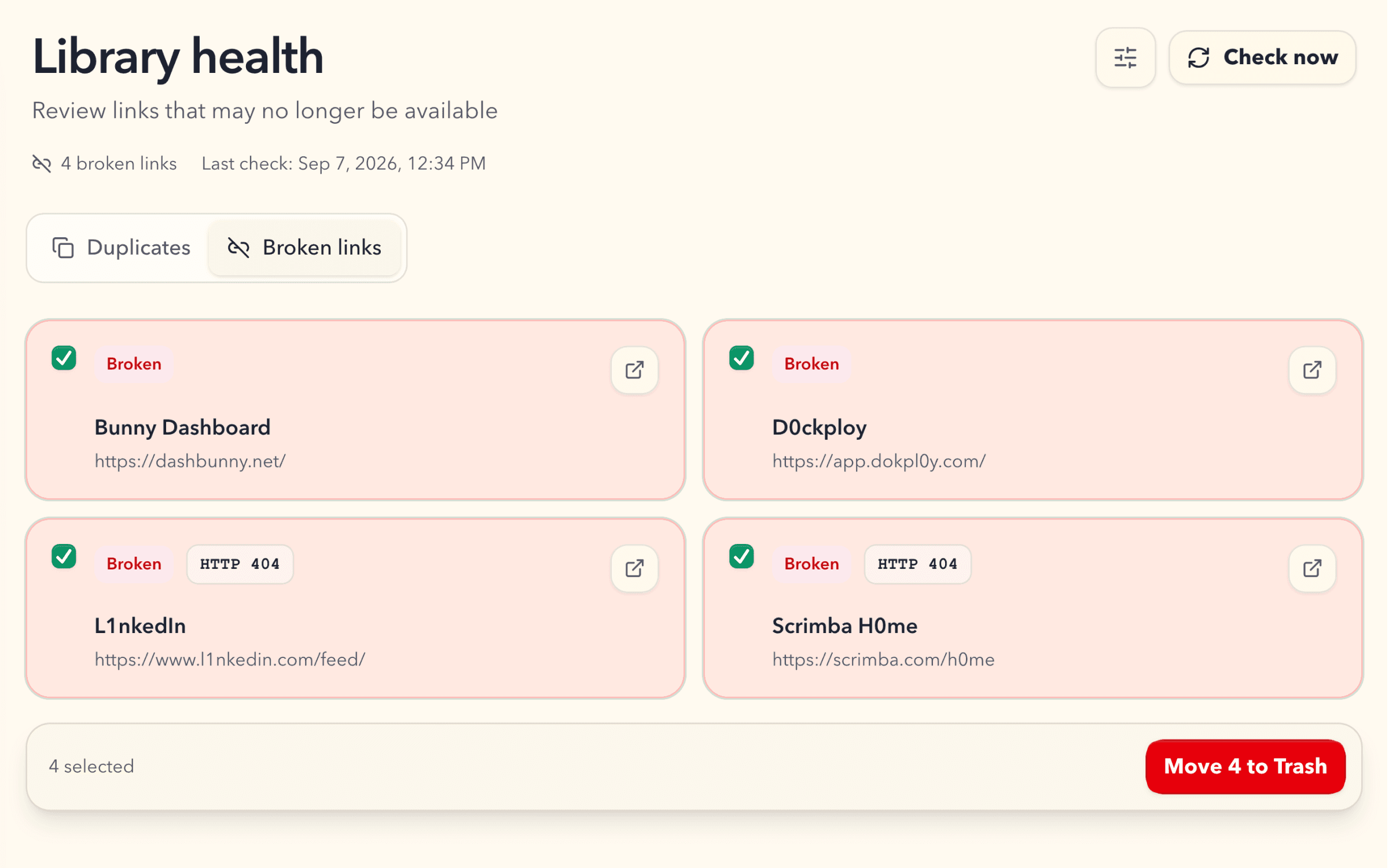
Broken Link MonitorPro
Check your library for confirmed broken links, review the results, and move selected bookmarks to Trash.
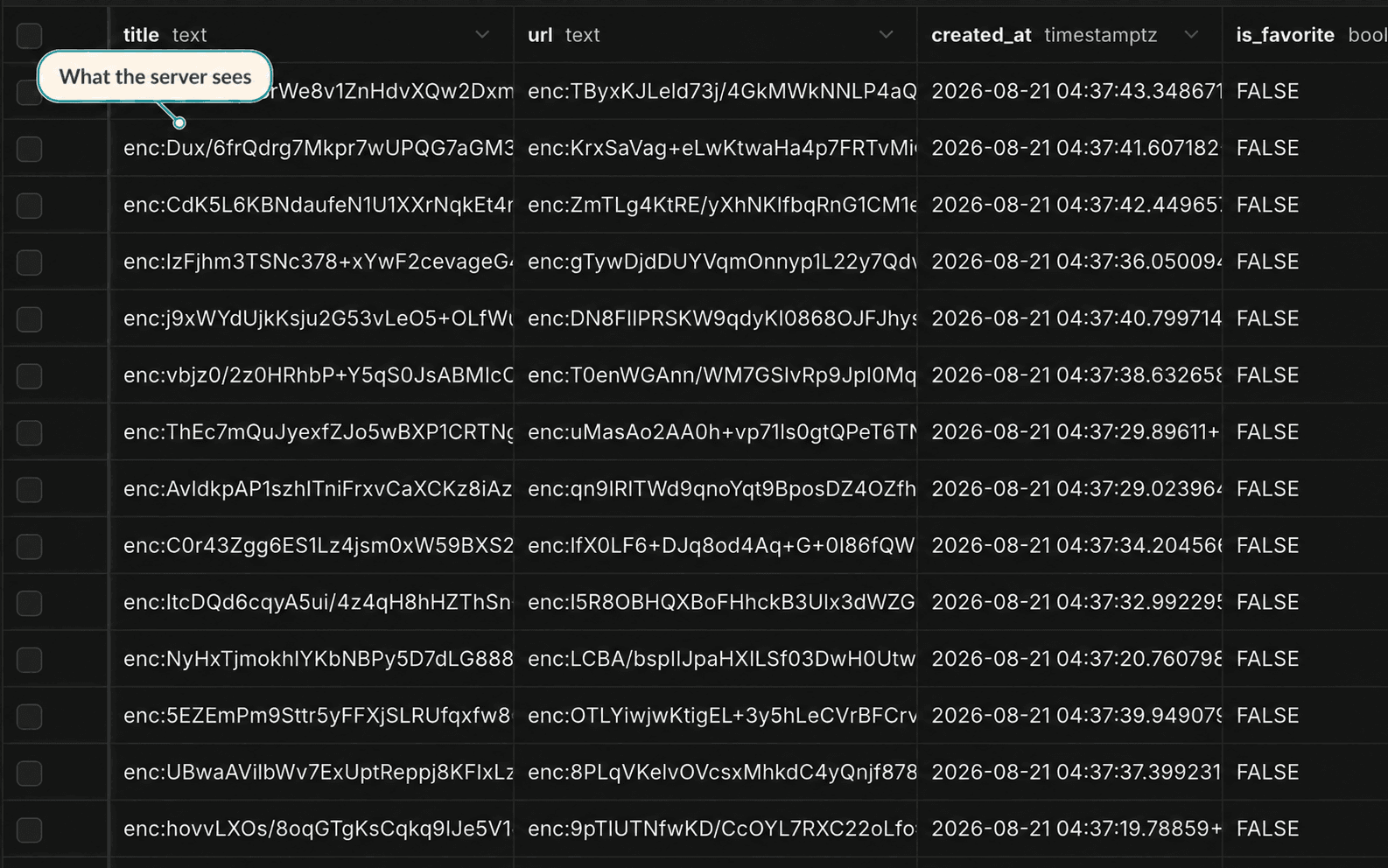
Zero-knowledge encryption
Protected library content is encrypted before storage and sync. The server receives ciphertext for that content.
Account details and operational metadata are handled separately to run the service. Read how protection and key recovery work before you get started.
What each part of FavLock does, and what is included on Free and Pro.
| Feature | What it does | Free | Pro |
|---|---|---|---|
| Bookmarks | Collections, subcollections, tags, favorites, and sorting | 1,000 | Unlimited |
| Search and filters | Find items by name, URL, tag, or collection, then filter by type, tag, collection, or favorites | Included | Also searches inside documents, tasks, and saved articles |
| Saved Smart Views | Keep a search and its filters in the sidebar with a live count | — | Included |
| Lists | Ordered learning lists with progress | 3 | Unlimited |
| Write and Tasks | Encrypted documents and tasks, sharing one allowance | 50 | 1,000 |
| Readspace | Encrypted article snapshots saved with the extension | 25 | 250 |
| Web highlights | Saved passages you can export | 100 | Unlimited, with notes |
| Duplicate Monitor | Find and clean up repeated bookmarks | — | Included |
| Broken Link Monitor | Find bookmarks whose pages are gone | — | Included |
| Trash recovery | Restore deleted items before they expire | 7 days | 30 days |
| Import and export | Browser, Pocket, and Raindrop.io imports; encrypted archive or HTML export | Included | Included |
| Browser-side encryption | Protected content is encrypted before storage and sync | Included | Included |
Search locally by item name, URL, tag, or collection. Free filters also narrow results by item type, tag, collection, and favorites. Pro searches inside saved content too.
Save a search and its filters as a named sidebar view. Choose an icon and color, then return to matching items and a live count as your library changes.
Import supported browser bookmark files. Export an encrypted FavLock archive or a readable bookmark HTML file when you need a copy.
Moved something to Trash by mistake? Restore it to your library before you permanently delete it.
Your library can start small
Create your account, set up protection, and save your first link.
Free plan · No credit card required · Import is optional