Choose what counts as a match
Compare exact URLs, ignore known tracking parameters, or ignore all query parameters when the page path is the same.
FavLock Duplicate Monitor · Pro
Find matching links, review every group, and remove the copies you no longer need without losing useful organization.
Duplicate Monitor is available with FavLock Pro. Matching and cleanup happen from your unlocked library on this device.
Compare exact URLs, ignore known tracking parameters, or ignore all query parameters when the page path is the same.
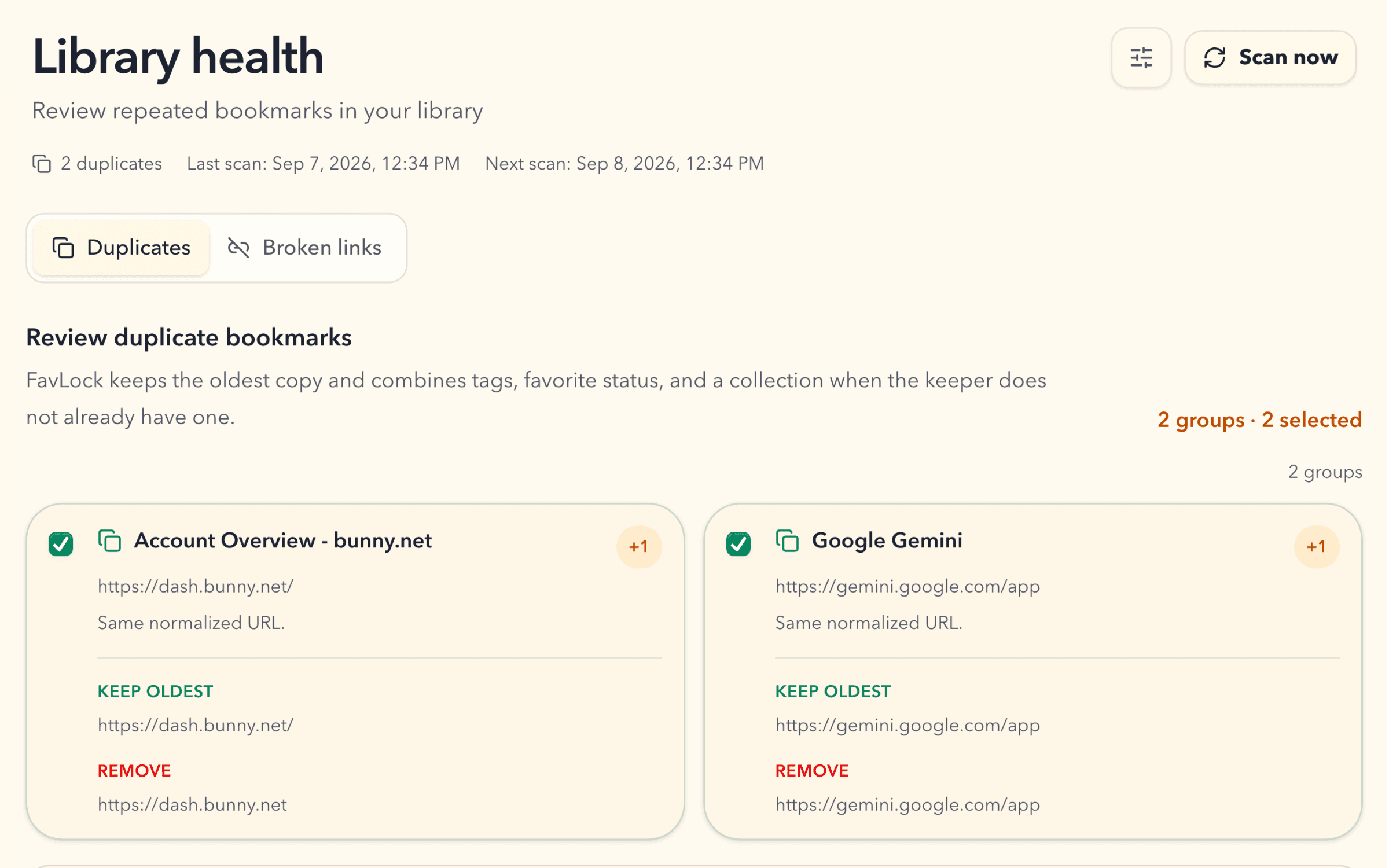
See the bookmark FavLock will keep and every repeated copy selected for removal before you make a change.
FavLock keeps the oldest copy and combines tags and favorite status. It also keeps a collection when the oldest copy does not already have one.
No. It only saves the setting. Start a scan when you are ready, or leave automatic scanning enabled for the next scheduled scan.
FavLock can scan after you sign in when 24 hours have passed since the previous completed scan.
Duplicate scan progress and results are kept on the device, so a large library can continue from its saved progress there.