One private library

One place for what you want to keep.

Organize bookmarks, write notes, plan tasks, and save articles for later. Protected content is encrypted in your browser before it syncs.

Prefer to start without an account? Try FavLock locally

Free for up to 1,000 bookmarks. No credit card required.

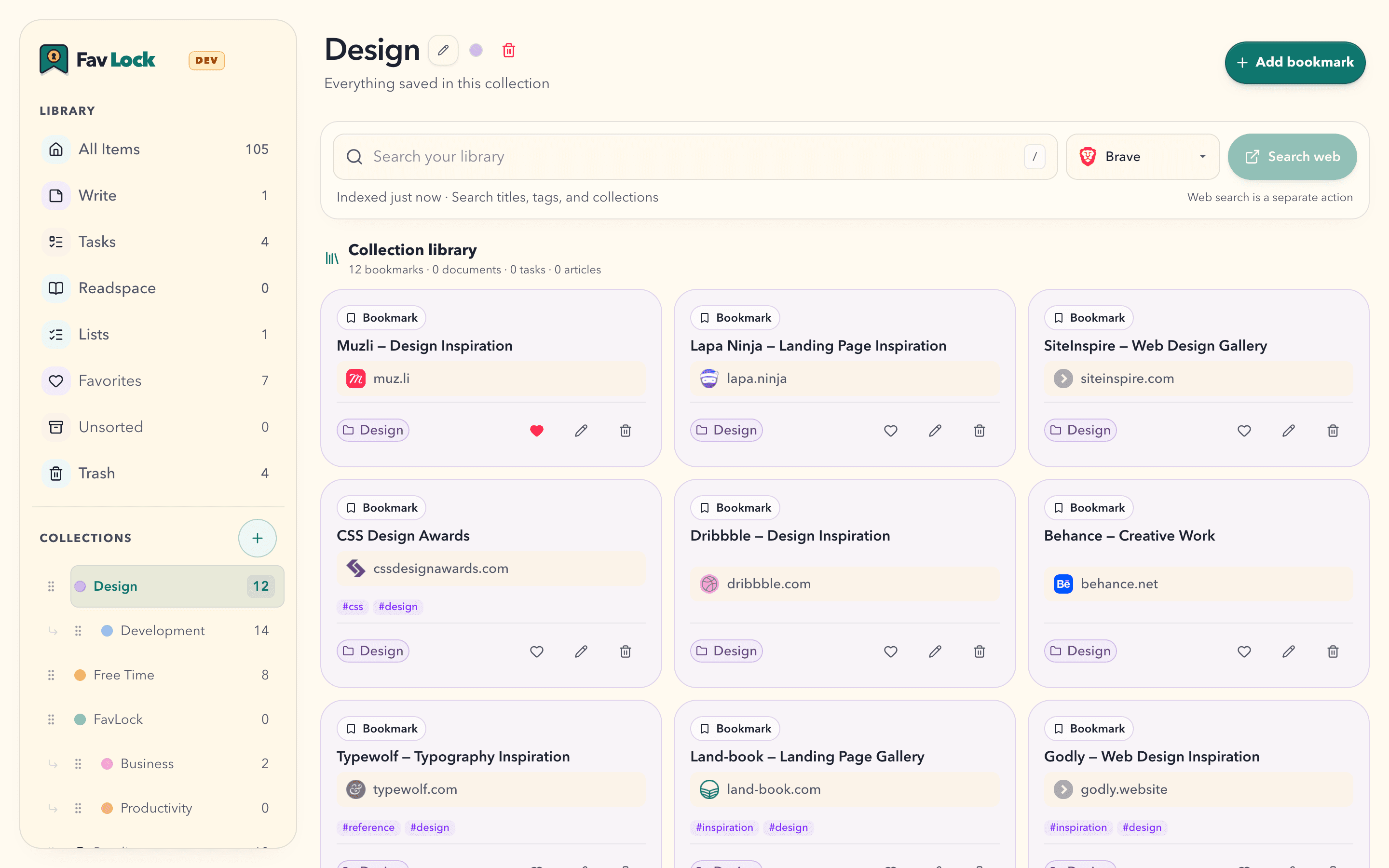
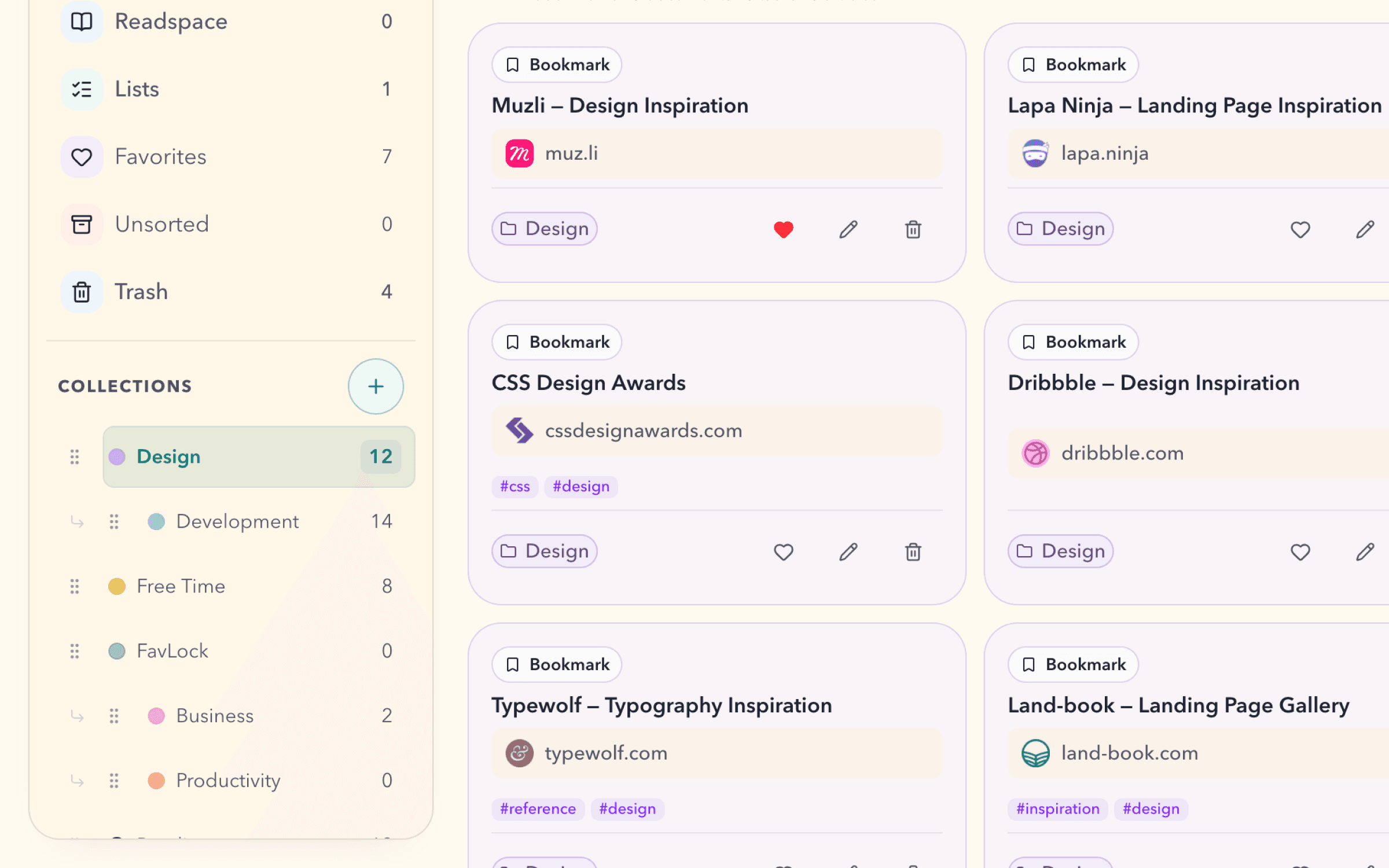
FavLock Design collection with bookmarks organized in a private library

Bookmarks

Start with bookmarks. Build from there.

A home for every useful link.

Save the link. Find it when you need it. Bring a little order to your library with collections, tags, and favorites.

  • Collections and nested collections
  • Tags across your library
  • Sort by date, name, website, or most used
  • Filter by fields, types, tags, collections, and favorites
  • Saved Smart Views keep your searches and filters in the sidebar with live results.PRO
See how bookmarks work
FavLock collection with nested collections, tags, and favorite bookmarks

Beyond bookmarks

A little space for everything else.

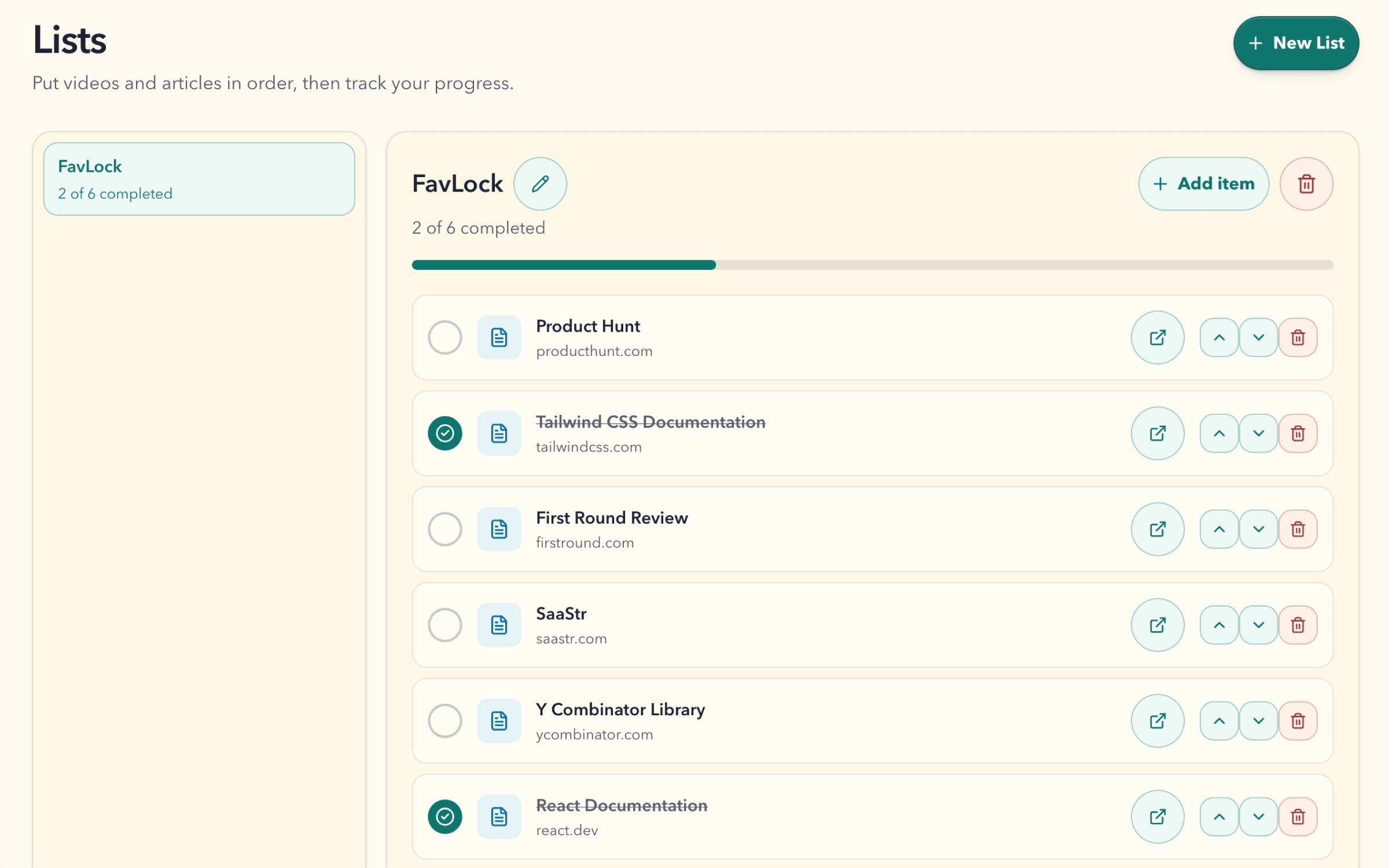
FavLock Lists showing six front-end learning resources, two completed items, and a progress bar

Lists

Work through what you want to learn.

Put videos and articles in order. Check off what you finish, and pick up where you left off.

Explore Lists
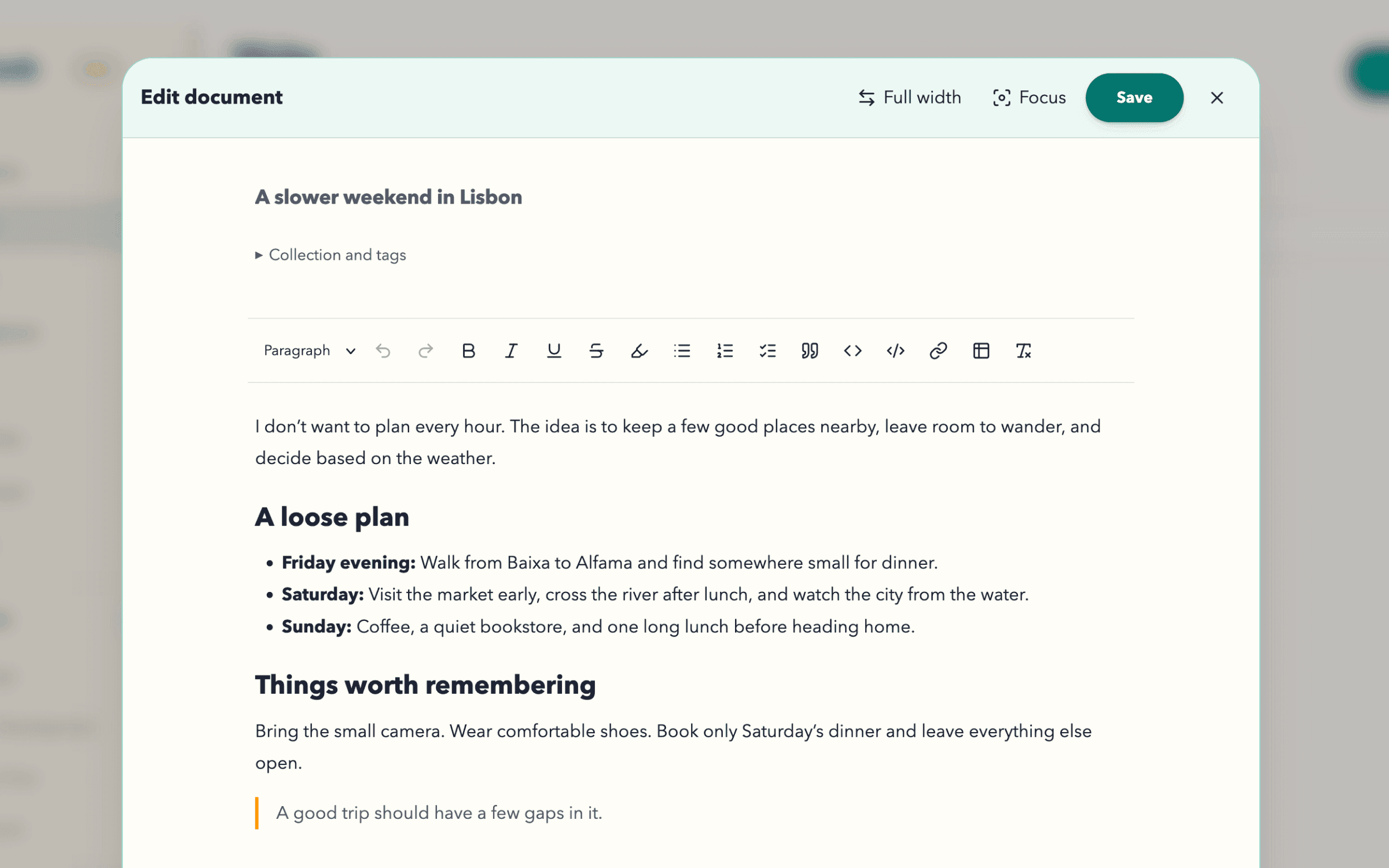
FavLock Write editor showing a formatted Lisbon travel note

Write

Turn a thought into a document.

Give your ideas room to grow with rich formatting and Focus mode. Your documents stay beside the links that sparked them.

Explore Write
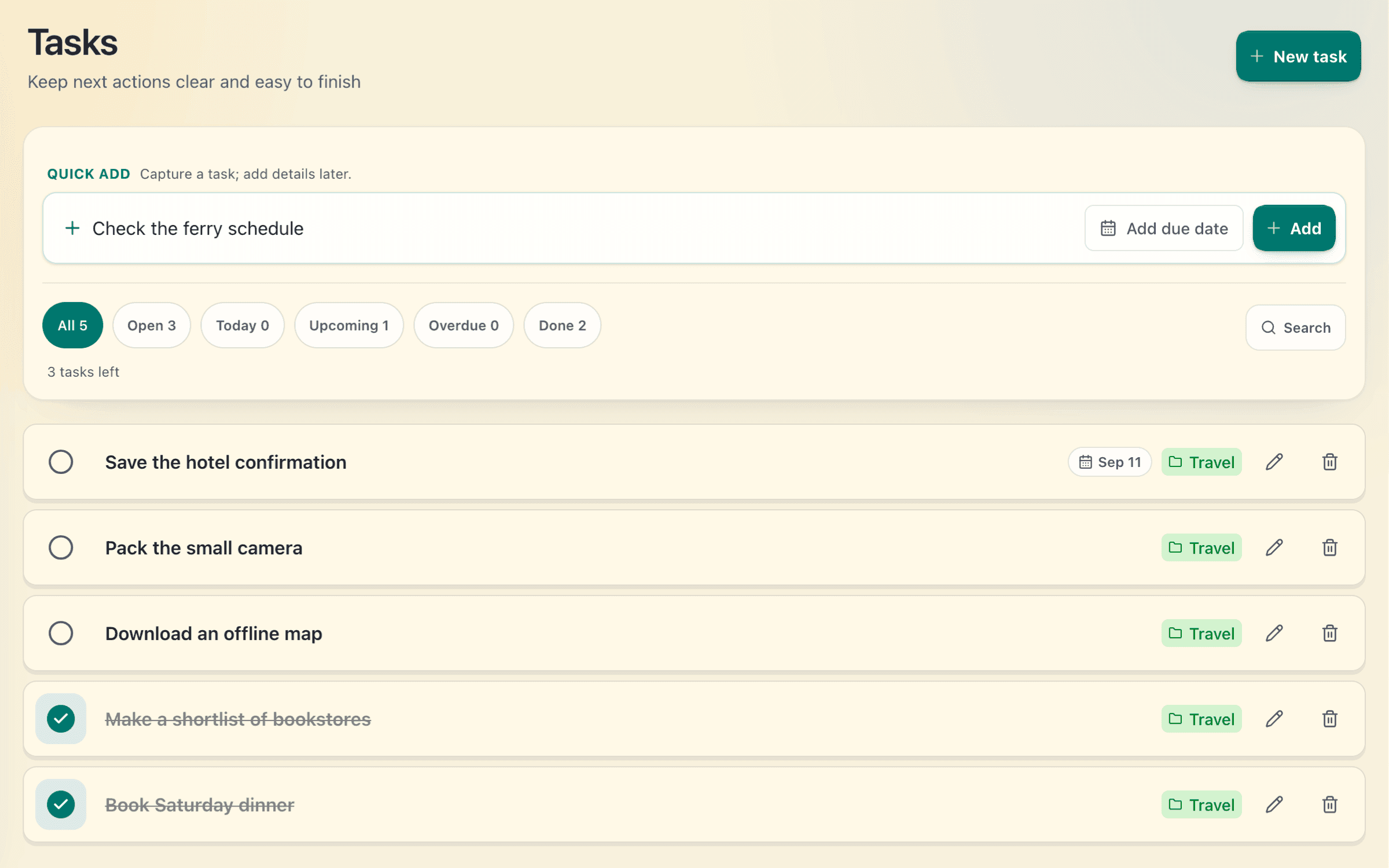
FavLock Tasks view with open and completed Lisbon travel tasks

Tasks

Keep the next step nearby.

Turn a plan into a task. Add a due date when it helps, and check things off as you go.

Explore Tasks
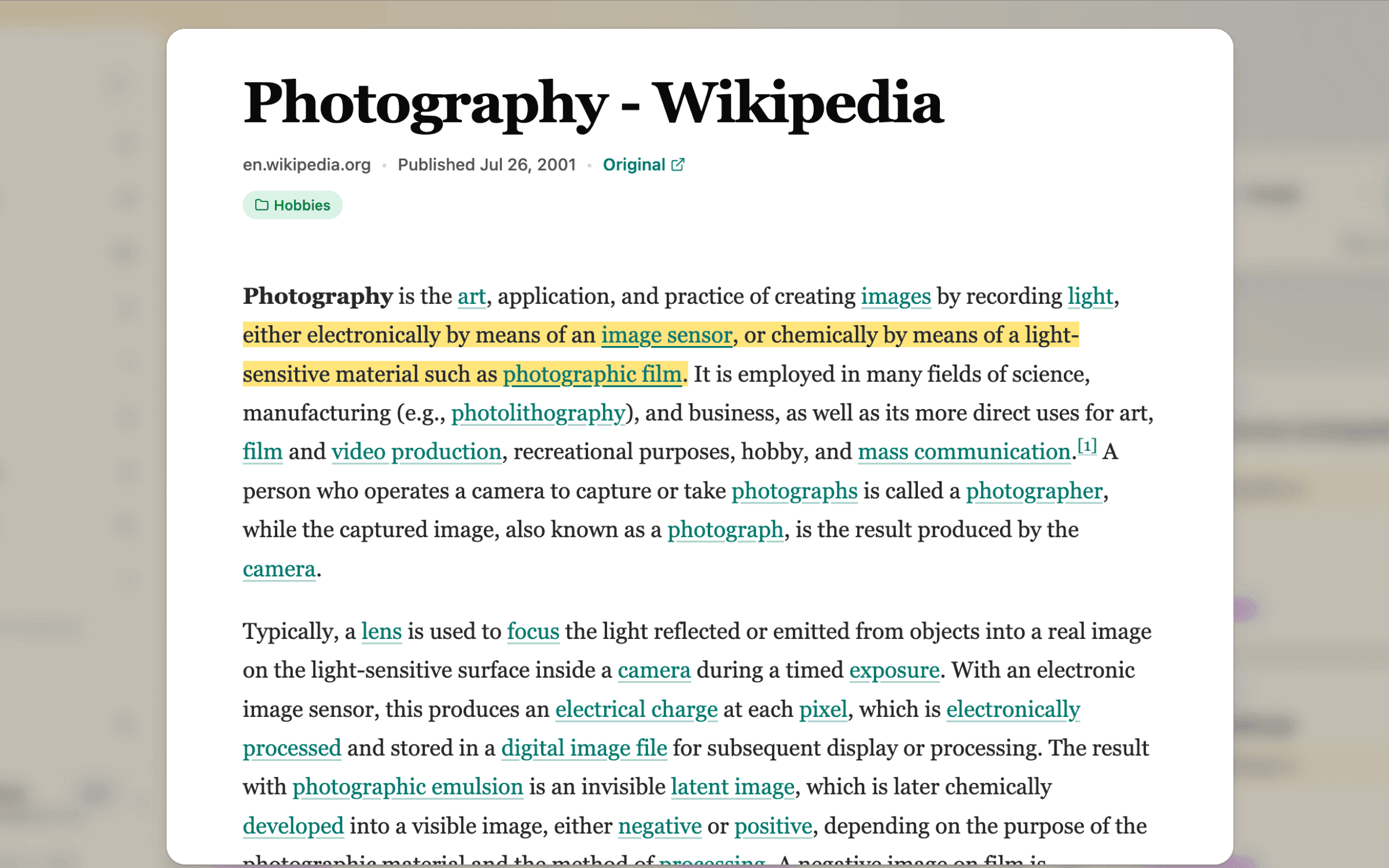
FavLock Readspace showing a saved Photography article with a highlighted passage

Readspace

Read it when you have the time.

Save supported articles with the Chrome or Firefox extension. Come back to an encrypted snapshot when you have time to read.

Explore Readspace
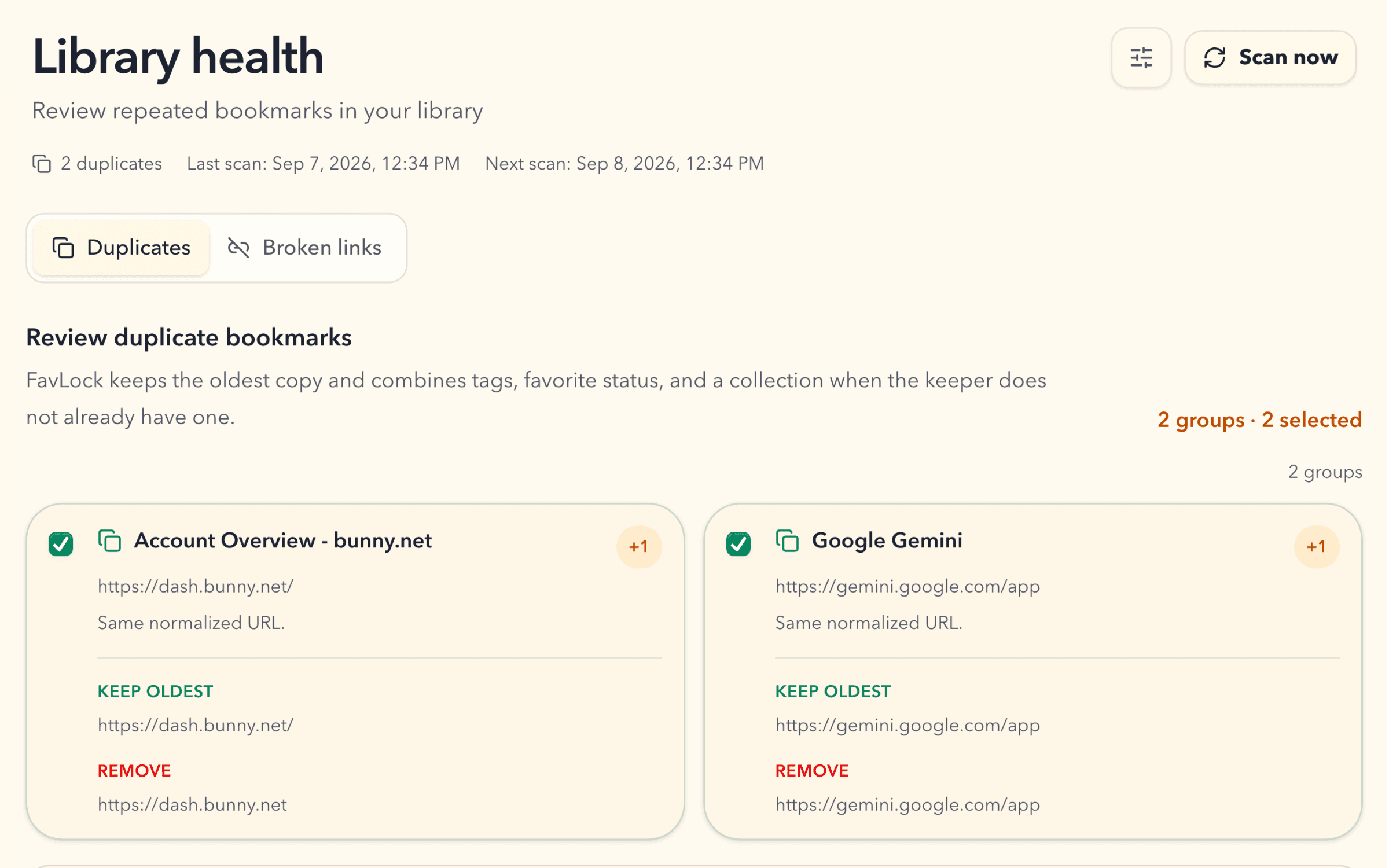
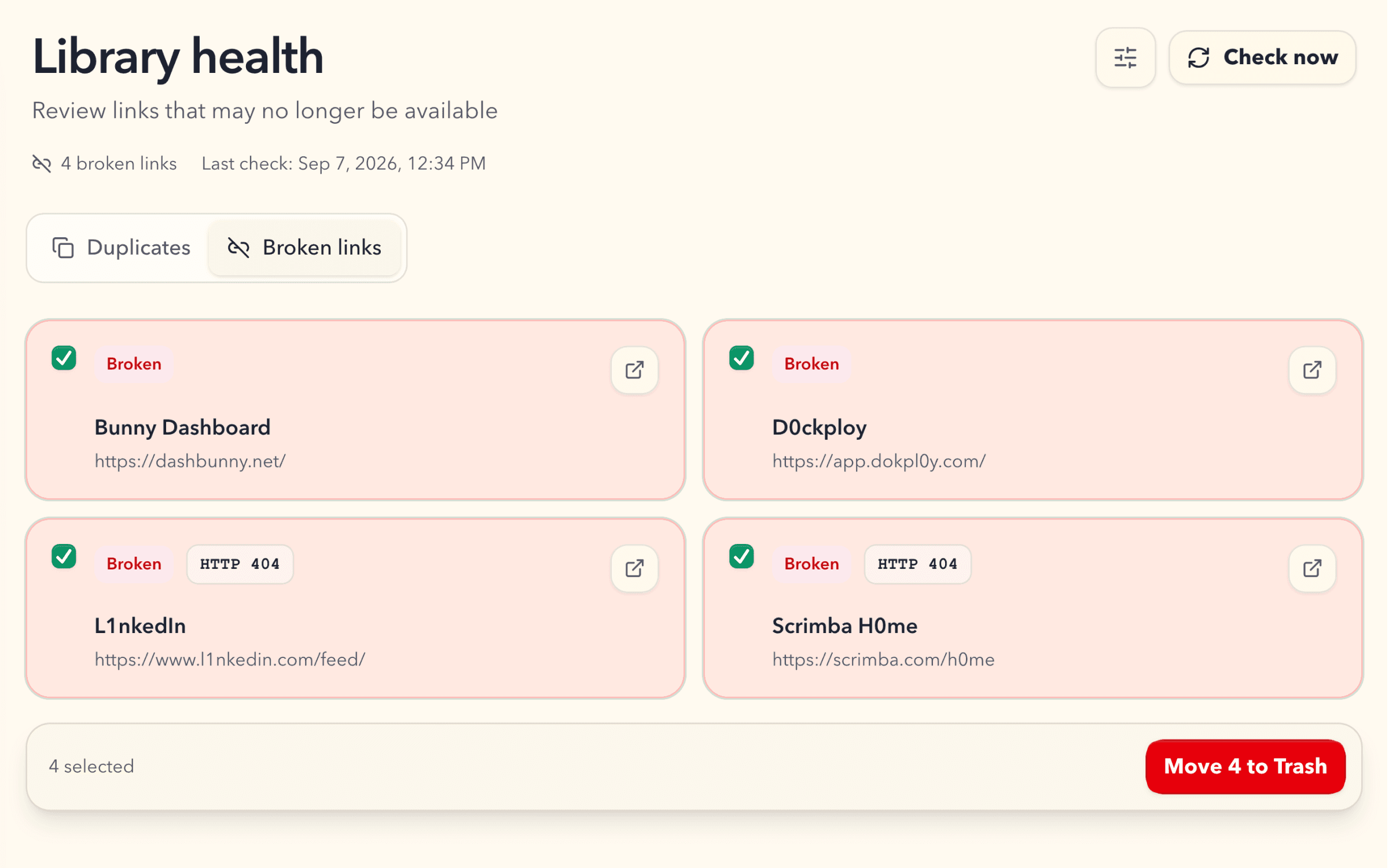
FavLock Duplicate Monitor showing two selected duplicate groups and the bookmarks it will keep and remove

Duplicate MonitorPro

Make repeated links easier to review.

Find matching bookmarks, choose which groups to clean up, and keep the oldest copy with its useful organization.

Explore Duplicate Monitor

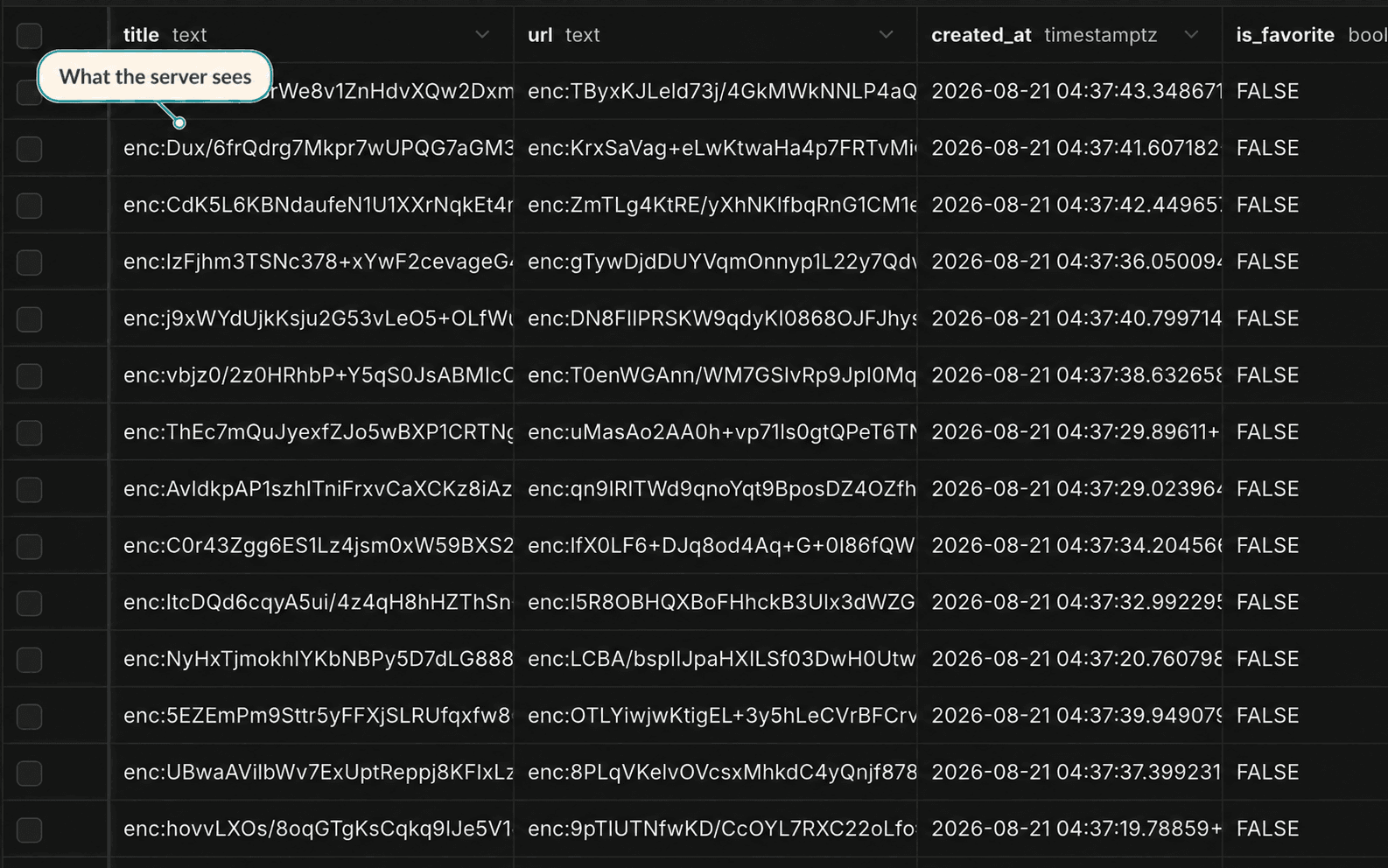
Zero-knowledge encryption

Protection happens before sync.

FavLock encrypts protected library content in your browser before storage and sync. Account details and operational metadata are handled separately to run the service.

Read the security model
Database table showing encrypted bookmark titles and URLs labeled What the server sees

Your library can start small

Start with one thing worth keeping.

Create your account, set up protection, and save your first link.

Free plan · No credit card required · Import is optional