01
Capture from your browser
Use the Chrome or Firefox extension to prepare a visible article in Reader, or select text and choose Save highlight from the right-click menu.
FavLock Readspace
Save a good article for a quieter moment. Highlight the passages that matter and come back to them alongside your bookmarks and notes.
The Chrome or Firefox extension is required to capture new articles and webpage highlights. Reading saved content works in other supported browsers.
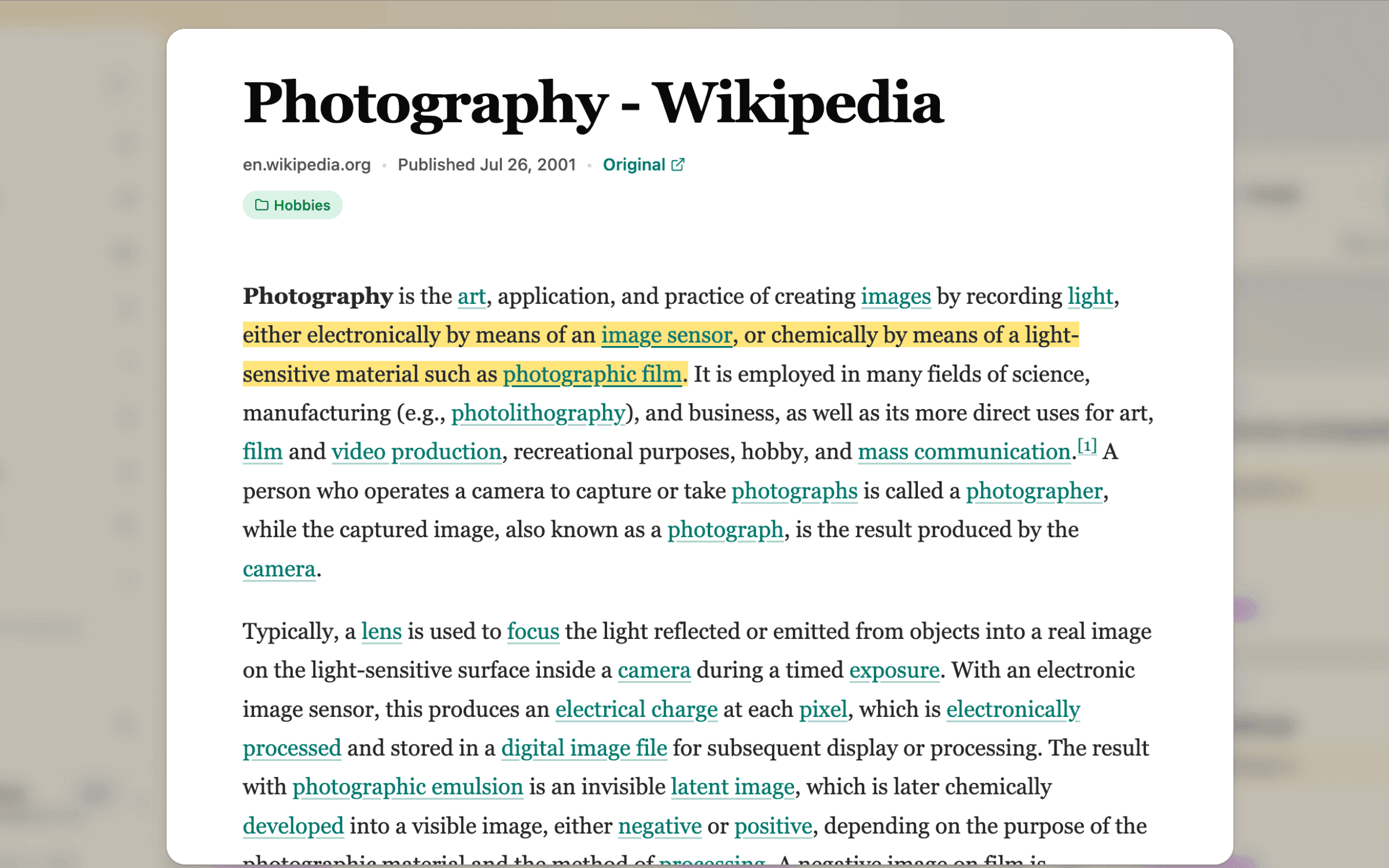
One reading workflow
Use the Chrome or Firefox extension to prepare a visible article in Reader, or select text and choose Save highlight from the right-click menu.
Protected article and highlight fields are encrypted in your browser before FavLock stores or syncs them.
Read the saved snapshot, search your highlights, revisit the source, or export the passages you need.
Coming from Pocket?
Mozilla shut Pocket down in July 2025 and ended exports in November 2025. If you downloaded your export, FavLock imports its links with your tags and the split between unread and archived saves. Pocket’s export holds links rather than article text, so open the articles you still want and save them to Readspace again.
Saved articles
Reader prepares the article content already visible in Chrome or Firefox. FavLock keeps the title, clean snapshot, source URL, and available citation details so you can read without the original page clutter.
Web highlights
Choose from four colors, group saved passages by their source page, and search the quote or source in Readspace. Pro adds encrypted annotations for the thought behind the highlight.
Article titles, snapshots, source URLs, citation details, selected quotes, matching anchors, and annotations are encrypted in your browser. FavLock still processes the account and operational metadata needed to run the service.
Understand the encryption boundaryShowing a saved highlight on its source page requires website access in Chrome or Firefox. Turn the setting off to remove FavLock’s website permissions.
Highlight exports are created locally after unlock, but the downloaded Markdown, HTML, or JSON file is readable. Store it somewhere you trust.
25 saved articles
100 highlights
Four colors, readable exports, and 7-day Trash recovery. The highlight allowance is account-wide, not per page.
250 saved articles
Unlimited highlights
Encrypted annotations, local article-content search, and 30-day Trash recovery.
Yes, the Chrome or Firefox extension is needed to save a new article snapshot or highlight text from a webpage. Once an item is saved, you can open Readspace from a supported modern browser. Browser restrictions and page structure can affect capture and highlight matching.
No. Reader works with article content already visible to you. It does not remove a paywall, subscription requirement, or access restriction.
Yes, when webpage highlight marks are enabled and you grant the extension access to that site. Matching happens in your browser. If a page changes, a saved highlight may no longer match its original position. You can turn the feature off and remove FavLock’s website permissions.
No. Markdown, HTML, and JSON exports are readable files created locally after your library is unlocked. Store them somewhere you trust.
Manual deletion moves it to Trash. Free includes 7-day recovery and Pro includes 30-day recovery. Delete forever, Trash expiry, account deletion, and automated plan-overage cleanup cannot be recovered.
Open Readspace in your free FavLock library, then connect the Chrome or Firefox extension when you are ready to capture.
Start with Readspace